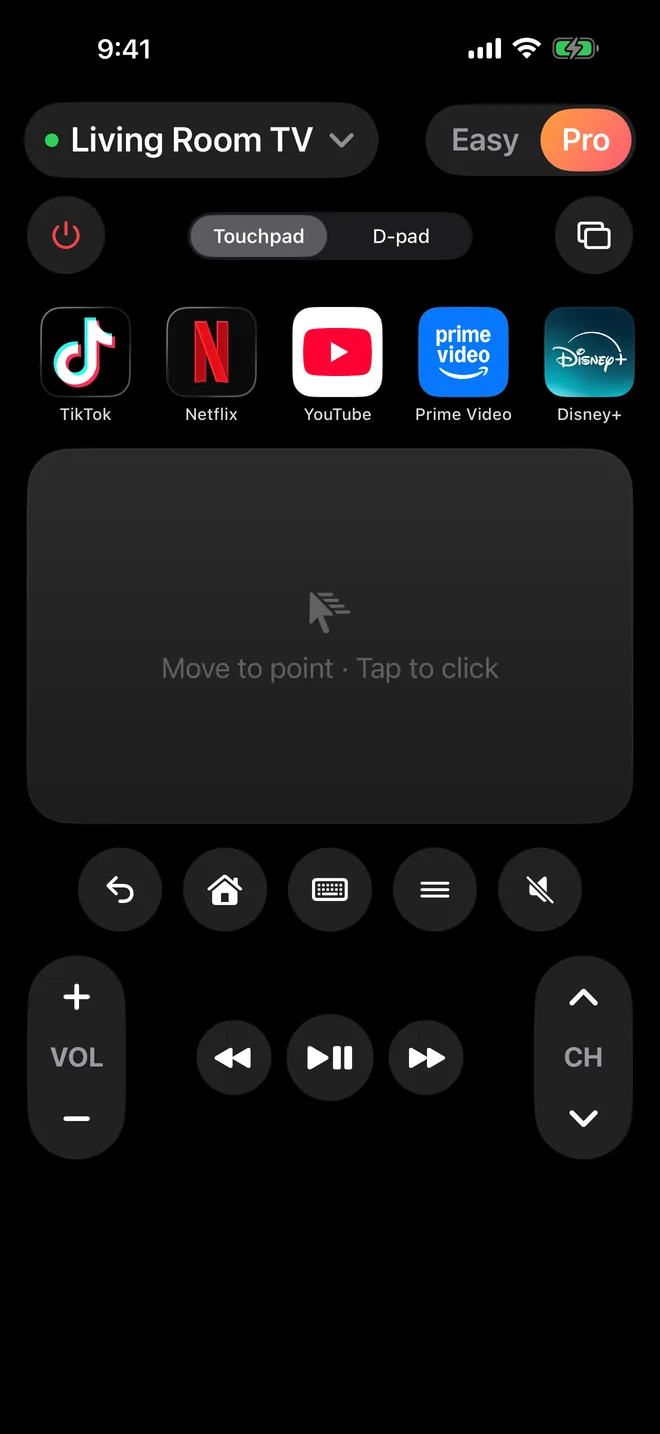
A touchpad that feels right PRO
Swipe to move, flick to fly through long rows, tap to select. On LG TVs it drives the real on-screen pointer.
Control Google TV, Roku, Samsung, LG, Vizio and Fire TV from your iPhone over Wi-Fi. No IR blaster, no account, and never an ad.
Free to download. Easy mode is free forever; Pro is optional.
Works over Wi-Fi with
Start in Easy mode with big, simple buttons. Switch to Pro when you want the touchpad, app shortcuts and keyboard.
Swipe to move, flick to fly through long rows, tap to select. On LG TVs it drives the real on-screen pointer.
Jump straight into Netflix, YouTube, Prime Video, Disney+, Hulu, HBO Max, ESPN, Sling or TikTok without hunting through menus.
Pin any app or button, from Input to Mute, drag them into your order, or let the ones you use most move to the front.
Search for a show or enter a password with the keyboard in your hand instead of an on-screen grid.
Hold volume or channel and it repeats, just like a real remote. Power, input, home and back are always one tap away.
AnyTVRemote talks straight to your TV on your home network. No sign-up, no tracking, no data collected.
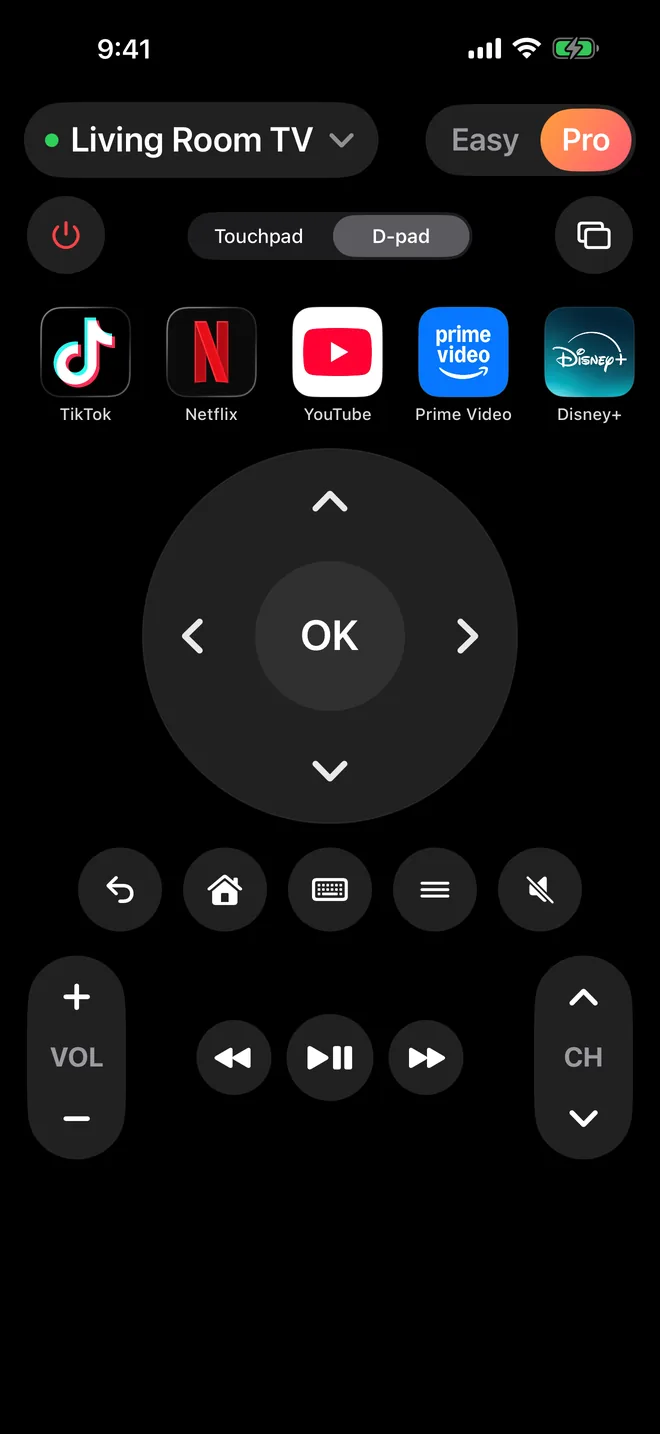
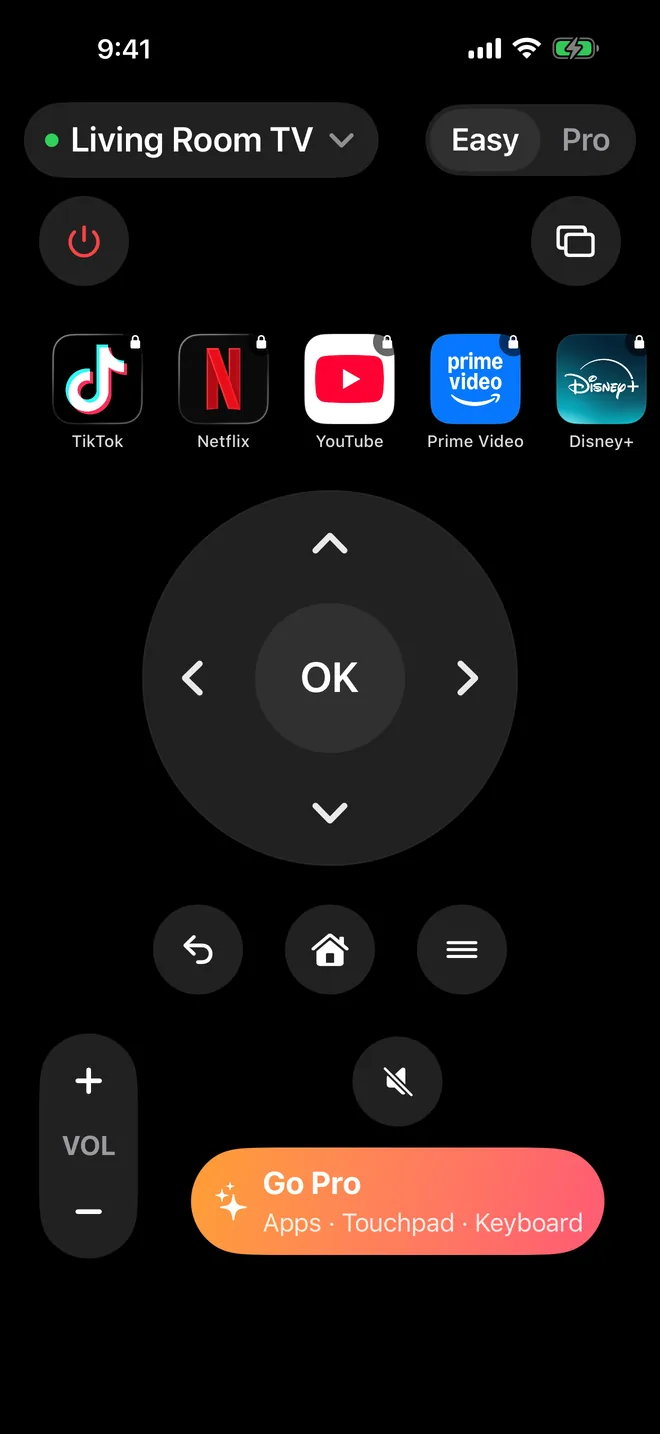
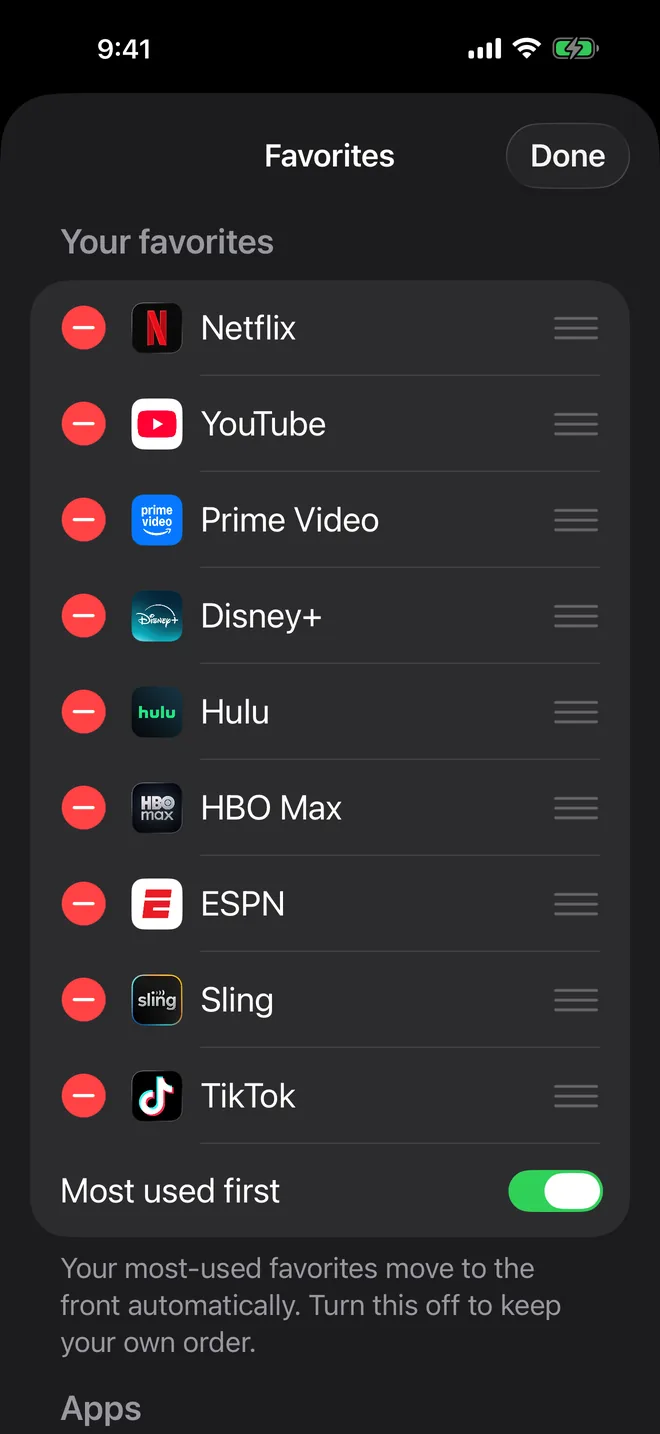
Not in Easy mode, not in Pro. Every button you press goes to your TV, not to an ad.
Open the app, pick your TV, pair once. Nothing to sign up for.
Your TVs and favorites stay on your iPhone. Read the privacy policy.
| Feature | Easy | Pro |
|---|---|---|
| Power, input, arrows, OK, back, home | ✓ | ✓ |
| Volume and mute (hold to repeat) | ✓ | ✓ |
| No ads | ✓ | ✓ |
| Touchpad with flick scrolling | – | ✓ |
| One-tap streaming apps | – | ✓ |
| Favorites row you design | – | ✓ |
| iPhone keyboard typing | – | ✓ |
| Save and switch between TVs | – | ✓ |
| Play/pause, rewind, forward, channel | – | ✓ |
US prices. Subscriptions renew automatically through your Apple ID unless cancelled at least 24 hours before the period ends. Manage them in Settings › Apple ID › Subscriptions.
No. iPhones don't have one, and AnyTVRemote doesn't need it. It controls your TV over your Wi-Fi network, the same way the TV makers' own apps do.
Google TV and Android TV (including Chromecast with Google TV, Sony, TCL, Philips and Hisense Google TVs), Roku players and Roku TVs, Samsung Smart TVs from 2016 on, LG webOS TVs, Vizio SmartCast TVs and Amazon Fire TV. Your iPhone and TV need to be on the same Wi-Fi.
On the Chromecast, open Settings › Remotes & Accessories › Set up remote buttons › Volume control and choose Auto (CEC), and make sure HDMI-CEC is on in your TV's settings (Samsung calls it Anynet+, LG SimpLink, Sony Bravia Sync). With IR selected, the Chromecast ignores volume from every phone app.
On the Roku, open Settings › System › Advanced system settings › Control by mobile apps and set Network access to Default or Permissive.
No. There's nothing to sign up for. Pro subscriptions go through your Apple ID.
On your iPhone, open Settings › your name › Subscriptions › AnyTVRemote Pro. Cancel at least 24 hours before your period ends and you won't be charged again.
More help on the support page.